Enter your info once. Every credit application fills itself in.
Vendors want the same details every time: your legal name, tax ID, addresses, references. Keep them in one place and Nuria completes each application in the vendor's own layout. You review it and press Send.
- ✓ Completed in the vendor's own layout
- ✓ You choose the references
- ✓ Nothing is sent until you press Send
Four steps, and you stay in charge of every one.
Vendors who list on Kru.ai receive your completed application in their inbox and by email, with your references and documents attached.
Set up your company
Chat with Nuria for a few minutes. She finds your company on the state's registry, reads your W-9 and fills in your profile.
Pick a vendor
Open the list of vendors who accept applications through Kru.ai. Your profile has to be complete for that vendor: the page tells you exactly what's missing.
Choose your references
If the vendor wants two trade references, you tick the two you want them to call. Nuria uses only the references you chose.
Review and send
Nuria completes the vendor's form in about a minute. You read it, tick the documents to attach, and press Send. Nothing goes before that click.
Got a form in your email? She'll complete that too.
Vendors that aren't listed on Kru.ai still send credit applications and new-account forms. Upload one, or connect a mailbox and Nuria saves the form for you, completes it, and drafts the reply with your documents attached for your approval.
Set up by chatting, not by filling in forms.
Nuria is the assistant built into every account, one click away on every page. She asks one question at a time, looks up your company on your state's public business registry, and reads the W-9 or license you upload. Your profile fills itself in while a progress bar shows how far along you are.
- ✓ Tell her your company's name and state. She finds it and asks you to confirm
- ✓ Upload a W-9, EIN letter or license and she fills in what's on it
- ✓ Tax and license numbers go into a private box, never into the chat
Fill it in once. Use it everywhere.
Every vendor asks for the same things: your legal name, tax IDs, addresses, who receives deliveries, three references. Keep them in one place and let your agents do the rest.
One company profile
Legal name, addresses, delivery contacts and hours, business facts, trade and bank references. It saves as you type, tracks how complete it is, and can pull your suppliers in as references from your books.
The vendor's own form, completed
Fillable PDF or flat one, the agent writes your answers right on the vendor's blanks and circles the right options. Word files and scans get a clean answer sheet instead.
Forms found in your email
Connect any email mailbox and Nuria saves the form a vendor sent, tracks it from Received to Sent, and replies to the right person.
The right documents attached
Keep your W-9, resale certificate and licenses on file, stored encrypted. Agents attach only what you allow, and any email carrying them waits for your approval.
Private numbers stay private
Your EIN and license numbers are hidden from agents. Turn on one switch and the system types them into the completed form itself, so the agent never sees them.
You open it, you approve it
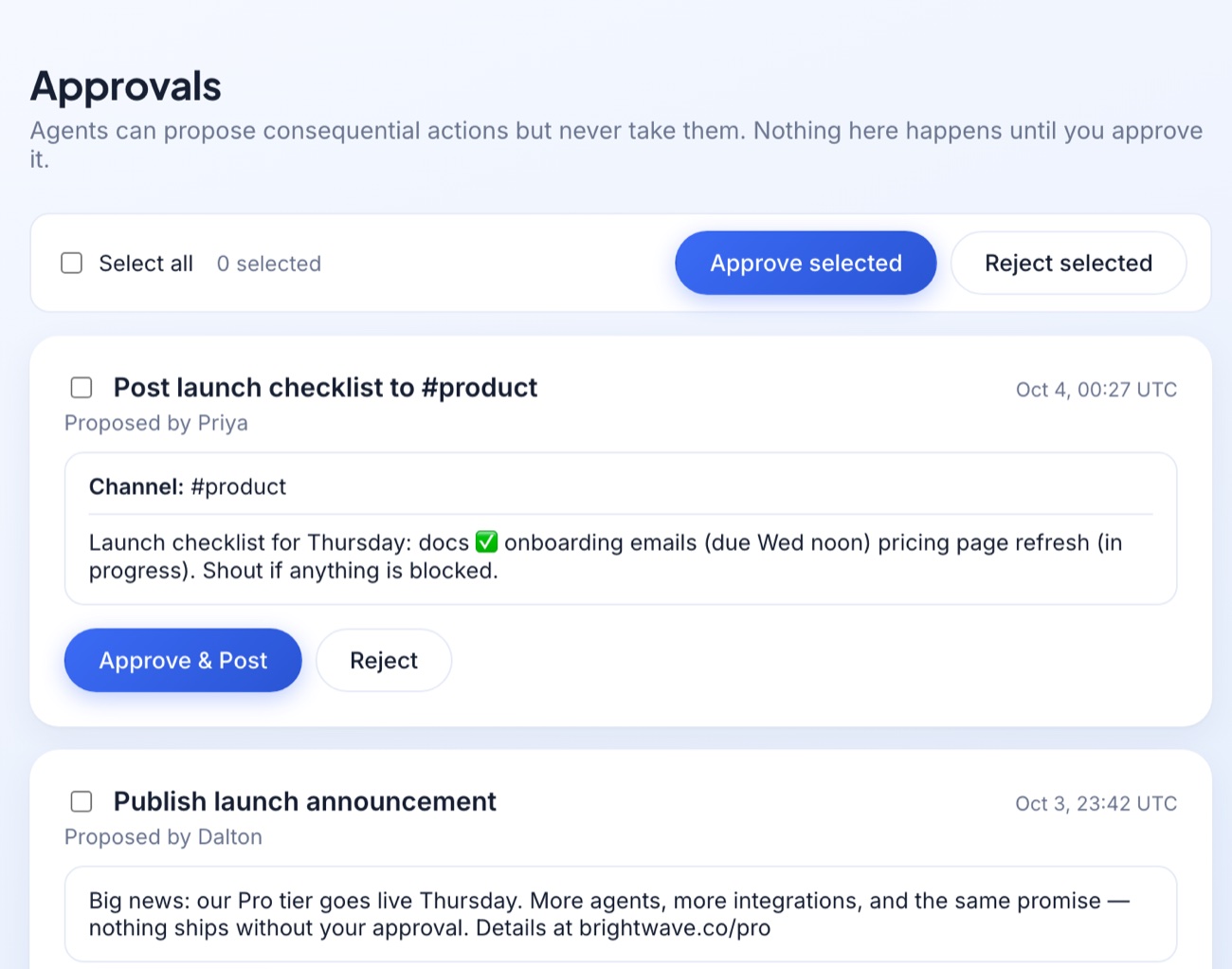
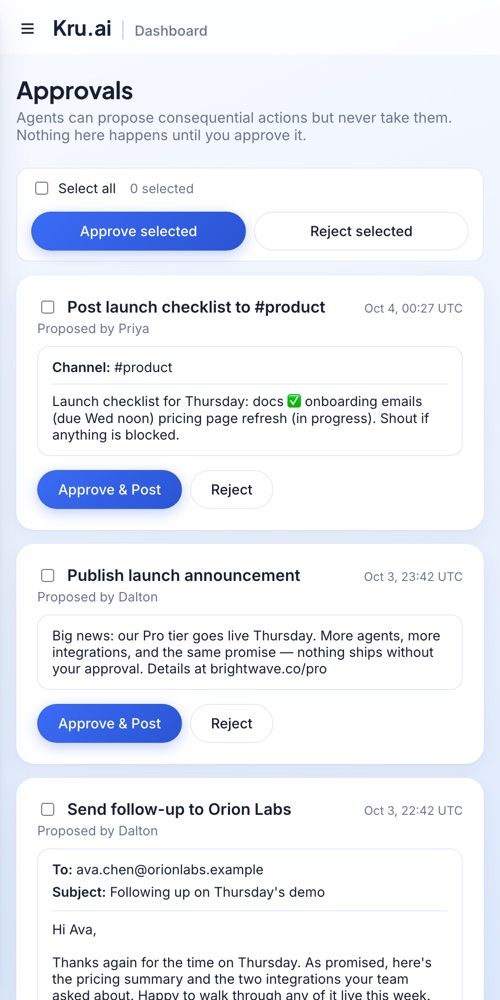
Review the finished form before it goes anywhere. One click sends the reply, or reject it and nothing happens. Anything an agent changes in your profile is logged, and you can undo it.
Drafted. Never sent on its own.
Nothing leaves your account until you say so.
- ✓ Open a completed form and read it before you send
- ✓ Choose exactly which references go on it
- ✓ Your EIN stays private unless you switch on "fill numbers into forms"
- ✓ Anything Nuria changes in your profile is logged, and you can undo it
Questions
How does the agent complete a vendor's form?+
You enter your company info once, by chatting with Nuria or on the Company info page. When a vendor sends a form, an agent reads it and fills in every field your profile can answer, writing on the vendor's own PDF when it can. It leaves the vendor's internal sections blank and tells you what it couldn't fill in. Then it drafts the reply with the form and your documents attached, and you approve it.
How do I apply to a vendor listed on Kru.ai?+
Open Vendors to apply to, pick a vendor and press Apply. If your profile is complete for them (company details, an EIN on file, enough references), you choose which references to include and agree to share. Nuria completes their form, you review it, and you press Send. They receive it in their Kru.ai inbox and by email.
Can I choose which references go on the application?+
Yes. If the vendor wants exactly two trade references, you tick the two you prefer from the ones you've saved. If they set no number, you can tick up to five or none. Nuria only uses the references you chose.
Is my EIN or bank information safe?+
Tax and license numbers and bank account numbers are stored encrypted, and agents can't read them unless you allow it. You enter them in a private box, not in the chat. If you want forms completed in full, one switch lets the system type your numbers into the form without the agent ever seeing them. Your document copies are stored encrypted too.
What kinds of forms can it complete?+
PDF forms, fillable or flat, are completed in the vendor's own layout. Word files, photos and scans get a clean, readable answer sheet covering every question. Either way you can open the result and edit or replace it before it's sent.
Will it find my company on its own?+
Nuria searches your state's public business registry for the name you give her and shows you what she found: legal name, entity type, status and formation date. Nothing is saved until you confirm it's yours. If she can't find it, she carries on with you by chat instead.
What does it cost?+
You start with 200,000 free tokens. Nuria completing a form uses tokens from your plan, like any chat. Reading your documents is an unlimited OCR read and never uses your tokens. See the plans.
Enter your info once. Let Nuria handle the rest.
No credit card required. 200,000 free tokens to start.
Start with Paperwork I'm a vendor instead